People have been wondering how AI will impact the legal field. Everyone is dreaming about (or dreading) the day when AI can write complete legal documents. As far back as 2023, economists at Goldman Sachs estimated that 44% of legal work can be automated by AI.
Can AI write complete documents?
Yes, but only if you provide it with organized information and break down the process step by step. Otherwise, it will write something totally useless, and you will waste a lot of time correcting it.
Introducing ‘Legal Eagle’
A system built in Notion, which provides the world’s best tools for writing and productivity, including Gmail integration, calendar, collaboration, meetings, and billing.
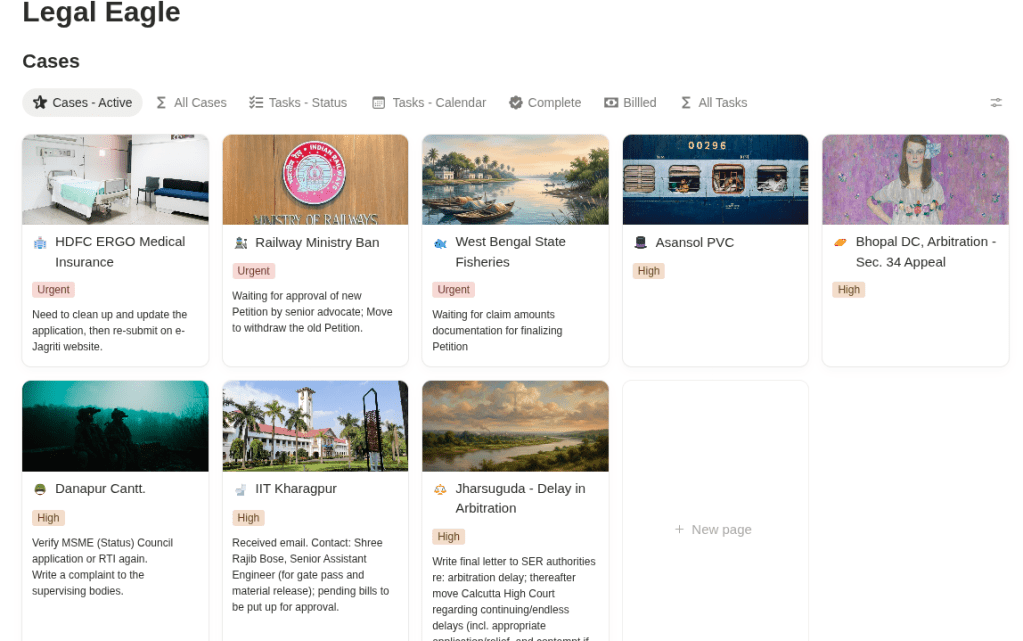
Basically, the system is an agent with instructions and scaffolds. It uses logical database structures to collect and organize case information. It also breaks down information extraction so AI can use it for accurate drafting.

Costs almost nothing & fully adaptable
The templates cost only $100 (a legal firm can purchase dozens of these for their lawyers). Notion charges $25 per month for its “Business Plan,” which includes all the features you need and more. You can use the latest versions of different LLMs in Notion, and they work just fine. There is no need for a specialized model for legal work, as many others pretend.
We also plan to release a free version called “Legal Junior” (Notion’s $25/month charge will still apply) so people can get used to working with databases.
Currently, the system is equipped with scaffolds so it can write complete legal pleadings for the Calcutta High Court, arbitration, as well as RTI applications and notices, with minimal prompting. The system is fully customizable. Scaffolds are easy to make. Notion AI can do it itself: just give it an example and ask it to make a scaffold.
Basic workflow (technicalities)
Step 1. Intake information
This is the manual part. A typical legal document will require many annexures (contracts, prior notices, correspondence, etc.). These are usually poorly scanned and may include stamps and handwriting. EdTeX partners have developed a specialized suite of tools to extract relevant information from these materials. If something still doesn’t extract cleanly, type the information in once. Don’t be frustrated. Before OCR and Vision-AI technology, all this had to be done by hand.
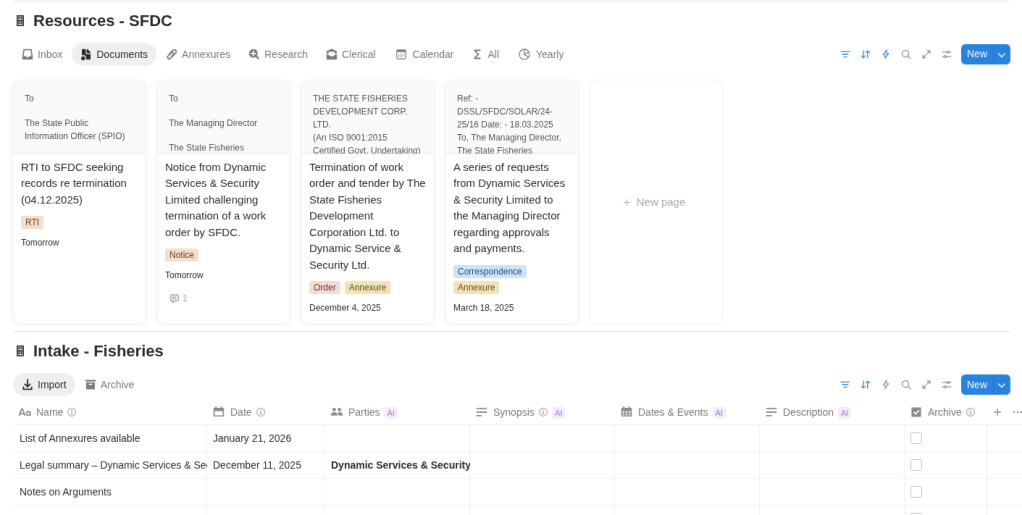
Add these to the “Intake” database. Use Notion AI to automatically extract the relevant information.
Step 2. Organize the information
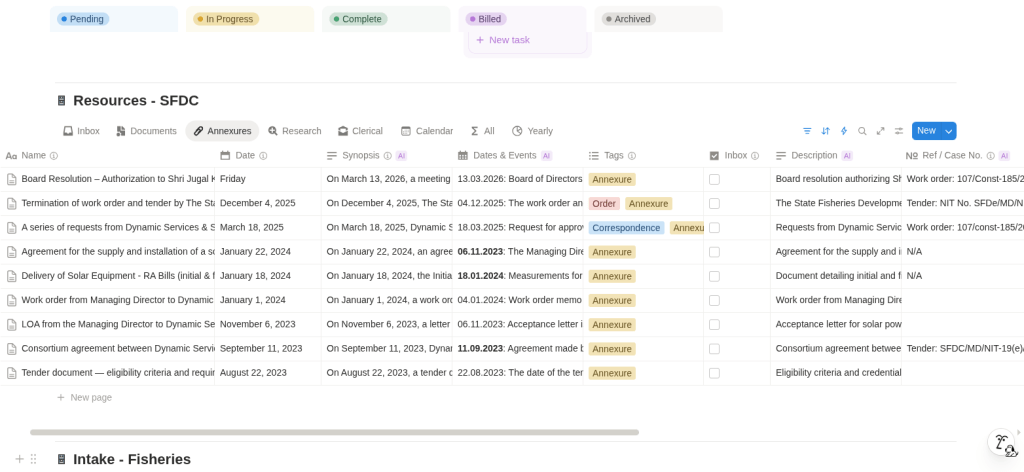
Add these (drag and drop) to the database that organizes case documents. Tag them as needed, for example, Notices and pleadings, received. You can highlight and add your own comments (notes, analysis, arguments, etc.) directly on the document, which AI can also read.
Step 3. Write documents
Provide the basic arguments in plain language (fully express your frustrations), point to the annexures you want to use, and ask Notion AI to write your document. It will draft a complete document with the necessary dates, reference numbers, annexures, sections, tables, and prayers. Then make any necessary changes.
Step 4. Use it in court
All your case documents are organized in a database, so you can open what you need and search for information simply by prompting.
Legal Research
AI can search the web for important cases. Legal websites often publish articles about them, which you can import into the Notion “Articles” database and extract information from with a few clicks. However, for professional work, you need a subscription to a legal database, preferably one that provides email updates about newly uploaded judgments.
In India, such databases already exist. For example, use Manupatra, which has its own AI-based and conventional search functions. You can download relevant judgments and import them into a Notion “Judgments” database. This lets you build your own library in the specific fields of law you practise, since no lawyer does everything. Manupatra also sends daily email updates, and Notion AI can search my emails too, so I can easily find recent cases with simple prompts.
 EdTeX Technologies